
Powering Up
Powering Up
Press the green power button on the pendant (Figure 44) to turn on power to the robot and PoE switch, which will power up the camera.
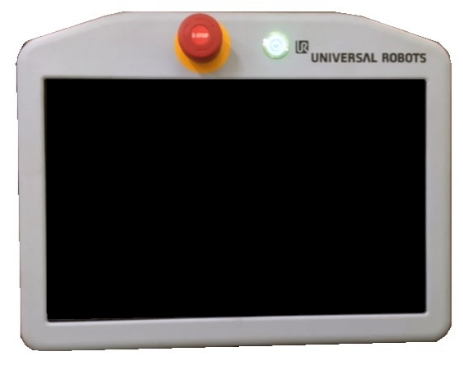
Figure 44: Pendant “ON” Button
The camera’s status lights should show solid blue on the left and blinking or solid orange on the right, indicating that the camera is booting (Figure 45). The orange light nearest the right edge of the camera is the Ethernet activity light, while the blue light is a boot status light. After about 45 seconds, the boot status light should alternate between white and green about once per second and the right Ethernet activity light should blink green if connected to a high-speed (Gigabit) network or orange otherwise.
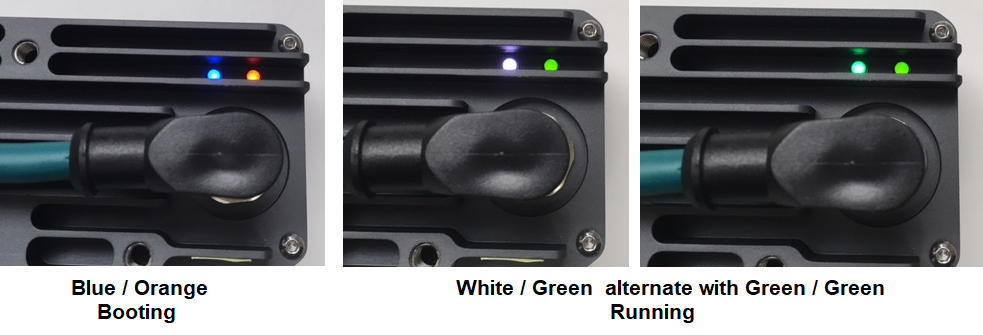
Figure 45: Power Up Indicators
Error Conditions
Figure 46 describes some potential error conditions and remedies.

Figure 46: Error Conditions and Remedies