VIM-303 Documentation
Welcome to the documentation for the VIM-303 Vision Guidance Camera.
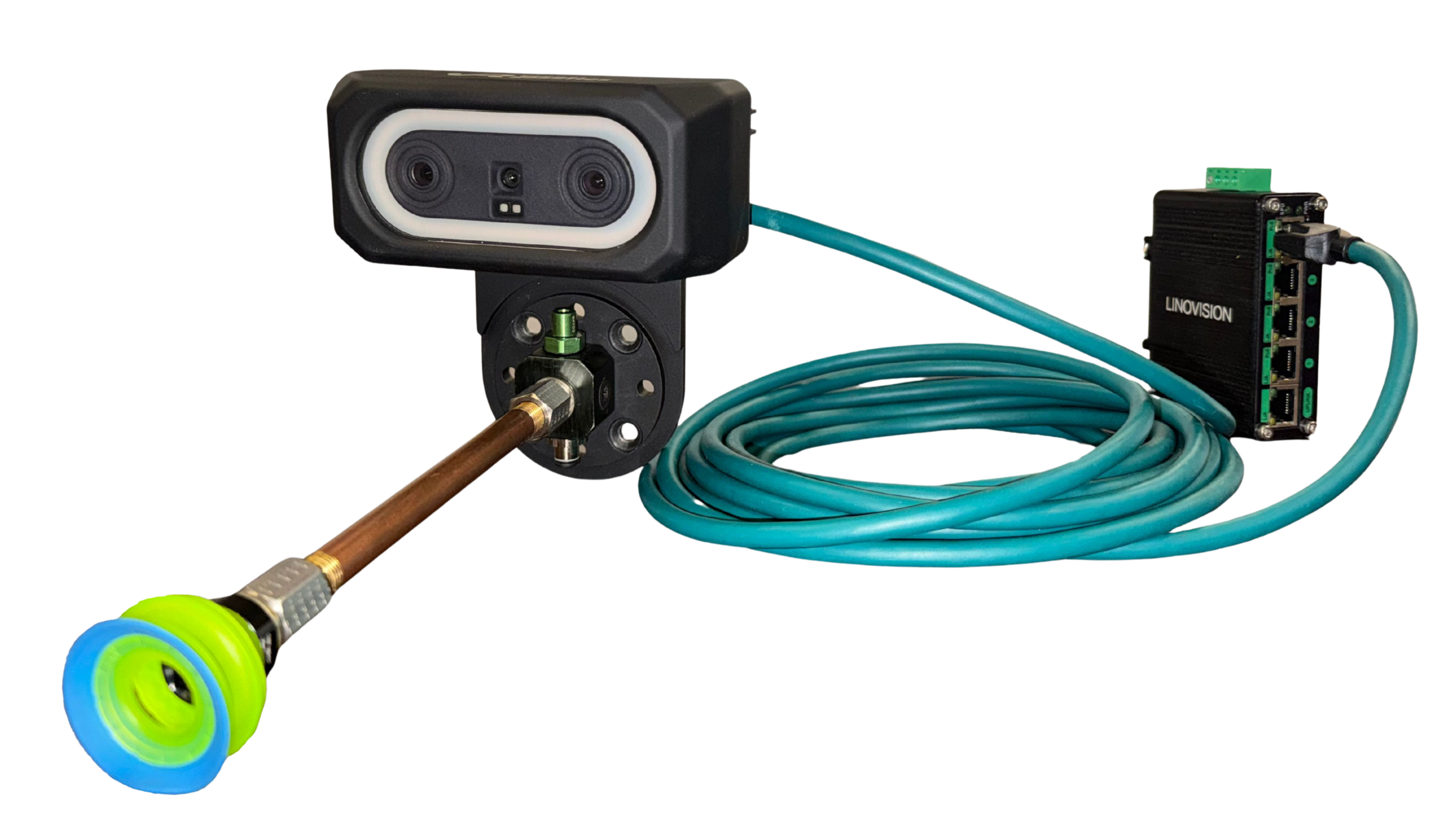
The VIM-303 is an arm-mounted robotic vision system that combines 2D and 3D imaging with onboard vision processing for vision-guided robotic applications.
About This Documentation
This site contains the manuals, setup guides, programming instructions, and reference information needed to install, configure, program, and use the VIM-303.
The documentation is divided into separate manuals and guided workflows so you can follow the setup process from the beginning or go directly to the section relevant to your task.
Documentation Overview
Permissions for Universal Robots
Explains the Universal Robots security, access, and service settings required for the VIM-303 to communicate with and control a UR robot. It also covers common permission-related setup and troubleshooting steps.
Unboxing & Hardware Assembly Manual
Covers unpacking, assembling, mounting, and connecting the VIM-303 system with a Universal Robots workcell.
VIM-303 UR Cap Manual
Covers installation, configuration, and programming of the VIM-303 through Universal Robots PolyScope.
VIM-303 QuickPick Manual
Explains how to use the VIM-303 QuickPick browser interface to operate, configure, program, and administer the camera.
First Picks With VIM-303
Provides a guided first-use walkthrough for creating and testing a simple VIM-303 pick-and-place task.
VIM-303 Blockly Programming Manual
Explains how to create VIM-303 programs with the browser-based Blockly editor in Quickpick.
VIM-303 Settings Manual
Provides a reference for the VIM-303 settings available through the Advanced tabs in QuickPick and the UR Cap.
Where Should I Start?
If you are setting up a VIM-303 system for the first time, the documentation can generally be followed in this order:
- Permissions for Universal Robots — Configure the required access and service settings on the robot.
- Unboxing & Hardware Assembly Manual — Assemble, mount, connect, and power the system.
- VIM-303 UR Cap Manual — Install and configure the UR Cap and robot integration.
- VIM-303 QuickPick Manual — Connect to the VIM-303 and become familiar with the QuickPick interface.
- First Picks With VIM-303 — Create and test your first vision-guided pick.
- VIM-303 Blockly Programming Manual — Learn how to build and modify VIM-303 programs.
- VIM-303 Settings Manual — Refer to advanced system settings when additional configuration is needed.
You do not need to read every manual from beginning to end. Each section can also be used independently as a reference for a specific task or feature.